We have an organisation that caters for over 400 students. Until now all our fees came through bank standing orders and the admin staff had the painstaking task of manually allocating payments via reference numbers we had pre assigned. (All this after creating standing order forms and waiting for them to be returning before having to deposit at various different banks).
After a recommendation we started using the ibeams cloud software. Although it has taken us just under one month to finally complete all the data work, I can assure you it is most definitely worth every second of our time put in.
The software is simply amazing and ticks all the boxes of whatever our organisation has been lacking the past few years. Problems in the past included;
• manual attendance entries prone to errors.
•manual fees allocation which was repetive, innificient and difficult to collect from parents.
•paper reports (often lost by pupils)
• time consuming examination results logging (we used mail merge) and even that gave errors.
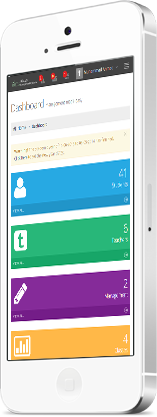
All of these issues are addressed in the software and it all works seamlessly between 3 different portals, parent's portal, teacher's portal, and the management portal.
The above is more than worth the £40 a month we are currently paying considering the time and hassle we are saving. But to top it all, I have been blown away by the support received we've received the past few weeks. Yasin has literally helped us whenever we needed it and guided us every step of the way. He has excellent communication skills and goes out of his way to assure our problems are resolved quickly and efficiently as possible.
I without hesitation, recommend this software to any organisation that may have found of themselves in our position. Well done guys!
 Advanced SystemThis is what you were waiting forA powerful robust & responsivePurchase Now!
 Powerfull & CleanResponsive Admin & Browser ThemeIBEAMS takes care of all platforms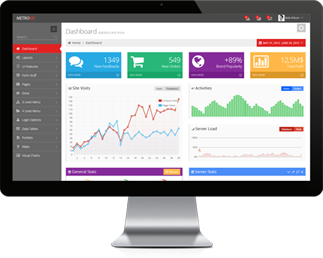
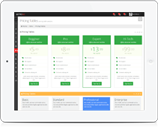

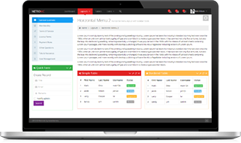



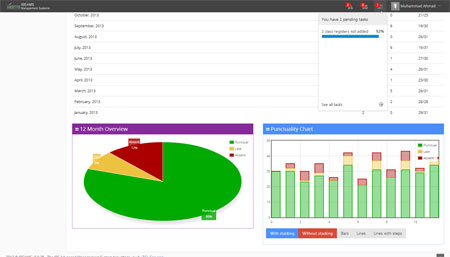 Elegant page designsGraphs, Charts & TablesSpecial care has been taken on howCheck our pricing
 What else is included ?The Most Complete Admin ThemeNumerous techniques and methods used to deliverLearn More!